National Job Portal (NJP) Pakistan
Master the National Job Portal (NJP) Pakistan registration process. Learn how to create an account at njp.gov.pk, build your profile, and apply online today. Navigating federal government job applications in Pakistan used to mean endless paper forms, physical postal dispatches, and zero visibility into application statuses. The National Job Portal (NJP), developed by the National Information Technology Board (NITB), modernizes this process into a centralized digital hub for public sector employment. Whether you are a fresh graduate aiming for an entry-level position or an experienced professional targeting senior advisory roles in federal ministries, completing your profile correctly on njp.gov.pk is essential.
What is the National Job Portal (NJP) Pakistan?
The National Job Portal (njp.gov.pk) serves as the official centralized recruitment engine for ministries, divisions, attached departments, and autonomous bodies under the Federal Government of Pakistan.
Key Features of NJP
- Direct Integration: Eliminates third-party paper testing agencies for initial profile registration and submission.
- CNIC-Linked Profile: Ensures transparency by tying candidate records to official identity numbers, preventing duplicate applications.
- Real-Time Tracking: Allows applicants to track application stages from submission to shortlisting directly from their dashboard.
Why You Should Apply Through the Official Portal
Applying through njp.gov.pk ensures your credentials reach official hiring committees directly. Verified job postings feature clear job descriptions, qualification criteria, and age relaxation rules governed by Federal Public Service Commission guidelines.
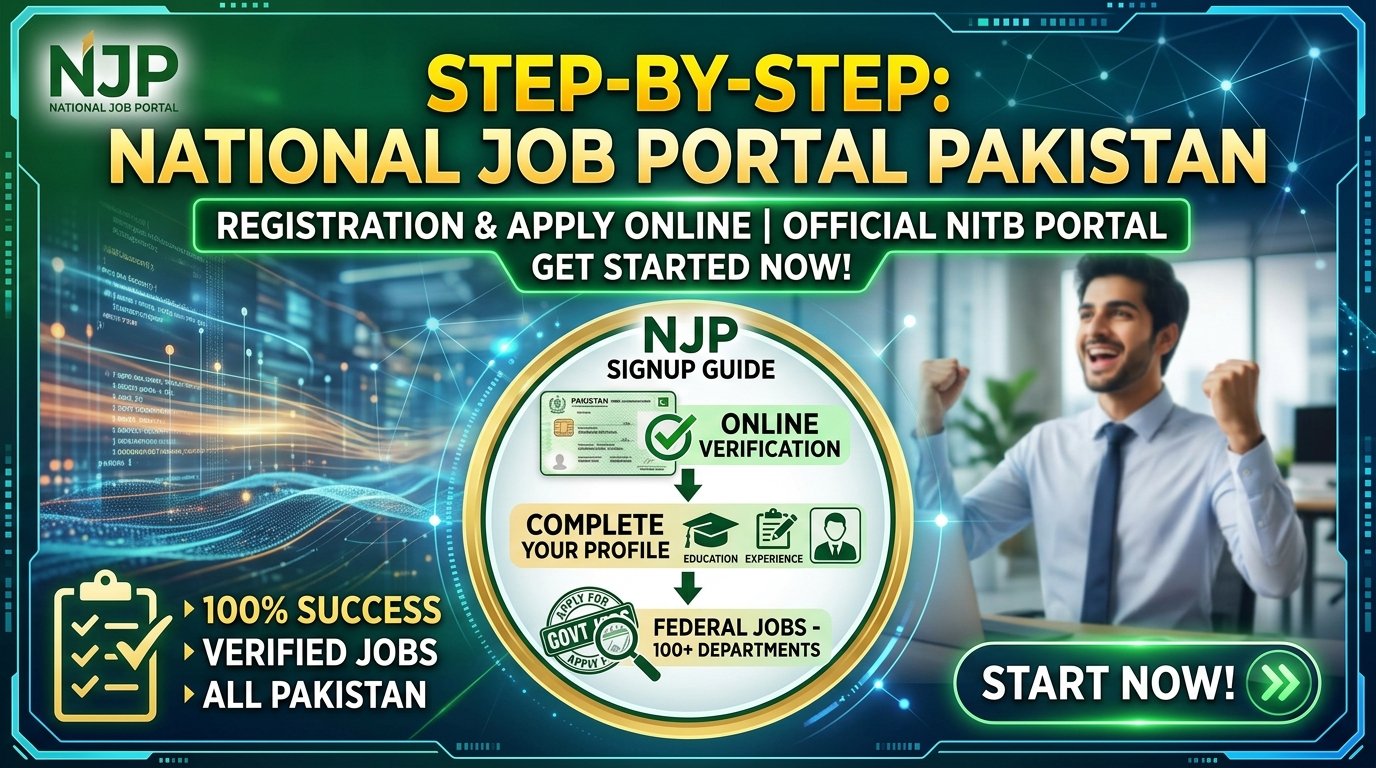
Step-by-Step NJP Account Registration & Sign-Up Process
Creating your profile on the portal requires attention to detail. A single error in your CNIC or degree details can invalidate your candidacy during initial automated screening.
- Access the Official Portal: Open your browser and navigate directly to njp.gov.pk. Click on the Sign Up button located at the top right of the navigation bar.
- Select Candidate Account Type: Choose Candidate Signup. (Employer accounts are reserved exclusively for government departments via official NITB letters).
- Enter Basic Credentials: Input your 13-digit CNIC number without dashes, valid personal email address, and create a strong password.
- Complete Authentication: Verify your account via the activation link sent to your registered email address. You may also use PAK-ID verified authentication if prompted for enhanced identity verification.
How to Build a 100% Complete NJP Profile
Once registered, log into your account dashboard. Your application eligibility depends entirely on a complete profile.
Personal Information & Contact Details
Fill in your full name matching your CNIC, father’s/husband’s name, date of birth, domicile district, postal address, and active mobile number. Ensure your mobile number is not ported to another network to avoid missing SMS alerts.
Academic Qualifications
List your educational degrees chronologically from Matriculation to your highest qualification. Specify the institute name, board/university, passing year, total marks, and obtained marks/CGPA.
Professional Experience & Certifications
Enter past job experiences including designation, organization name, employment type (Contract/Regular), start date, and end date. Upload relevant certifications or publications if applying for specialized management or technical roles.
How to Search and Apply for Jobs Online via NJP
Finding and submitting your application takes less than five minutes once your profile reaches 100% completion.
Filtering Government Vacancies
Use the built-in search filters on the homepage or job search dashboard. Filter by:
- Department/Ministry: (e.g., Ministry of Finance, Ministry of Federal Education)
- Job Type: Regular or Contract
- Experience Level: No Experience to 10+ years
- Pay Scale/BPS: Basic Pay Scales (BPS-01 to BPS-22)
Submitting the Online Application
Click on the desired job title to read the detailed eligibility criteria. Verify your age limits, required quota (Merit, Punjab, Sindh, KPK, Balochistan, AJK, GB), and qualification matches. Click Apply Now, review your auto-filled profile details, and confirm submission.
Common Mistakes to Avoid During NJP Registration
- Incorrect CNIC Entry: Inputting wrong digits locks your profile and prevents official verification.
- Incomplete Education Details: Omitting intermediate or bachelor’s mark details causes automated screening filters to reject your profile.
- Mismatched Domicile Data: Selecting an incorrect district or province invalidates regional quota eligibility during physical document verification.
- Ignoring Deadline Timings: Submitting applications past 11:59 PM on the closing date results in instant portal lockout.
Frequently Asked Questions (FAQs)
How can I recover my lost NJP password?
Click on Sign In, select Forgot Password, enter your registered CNIC and email address, and follow the password reset link sent to your inbox.
Can I edit my NJP application after submission?
No, submitted applications cannot be edited. However, you can update your general NJP profile at any time before applying for new positions.
Is there any application fee for jobs on the National Job Portal?
Most initial applications on NJP do not require a processing fee. If a specific department requires a fee deposit, instructions and challan forms are provided within the job notification.
How do I download my NJP roll number slip?
When a government department schedules a test, roll number slips are issued directly through your NJP candidate dashboard under the My Applications section or notified via SMS/email.
What should I do if my CNIC is already registered on NJP?
Use the Forgot Password feature with your primary email address. If you no longer have access to that email, contact official support at info@njp.gov.pk or call 051-9265411.
Final Thoughts on Securing Government Careers via NJP
The National Job Portal streamlines federal job applications across Pakistan into a single dashboard. Keeping your profile updated, verifying educational entries against original degrees, and checking active listings regularly maximizes your opportunities in the public sector. Complete your registration early to ensure your profile is ready when relevant vacancies open.